Why I Built This
When RSSB released the 3rd Grade results, they didn’t publish them in a simple searchable system. Instead, everything was packed into a massive PDF that stretched across hundreds and sometimes even thousands of pages. Finding one student’s result inside that document was slow, frustrating, and not practical.
The problem got worse because many candidates shared the same name. Even when you searched inside the PDF, you would often get multiple matches and then have to manually verify details like father’s name or roll number just to find the correct person. It turned a simple task into something unnecessarily time-consuming.
That’s when I realized there had to be a better way to access this data. So I decided to build it myself.
What It Does
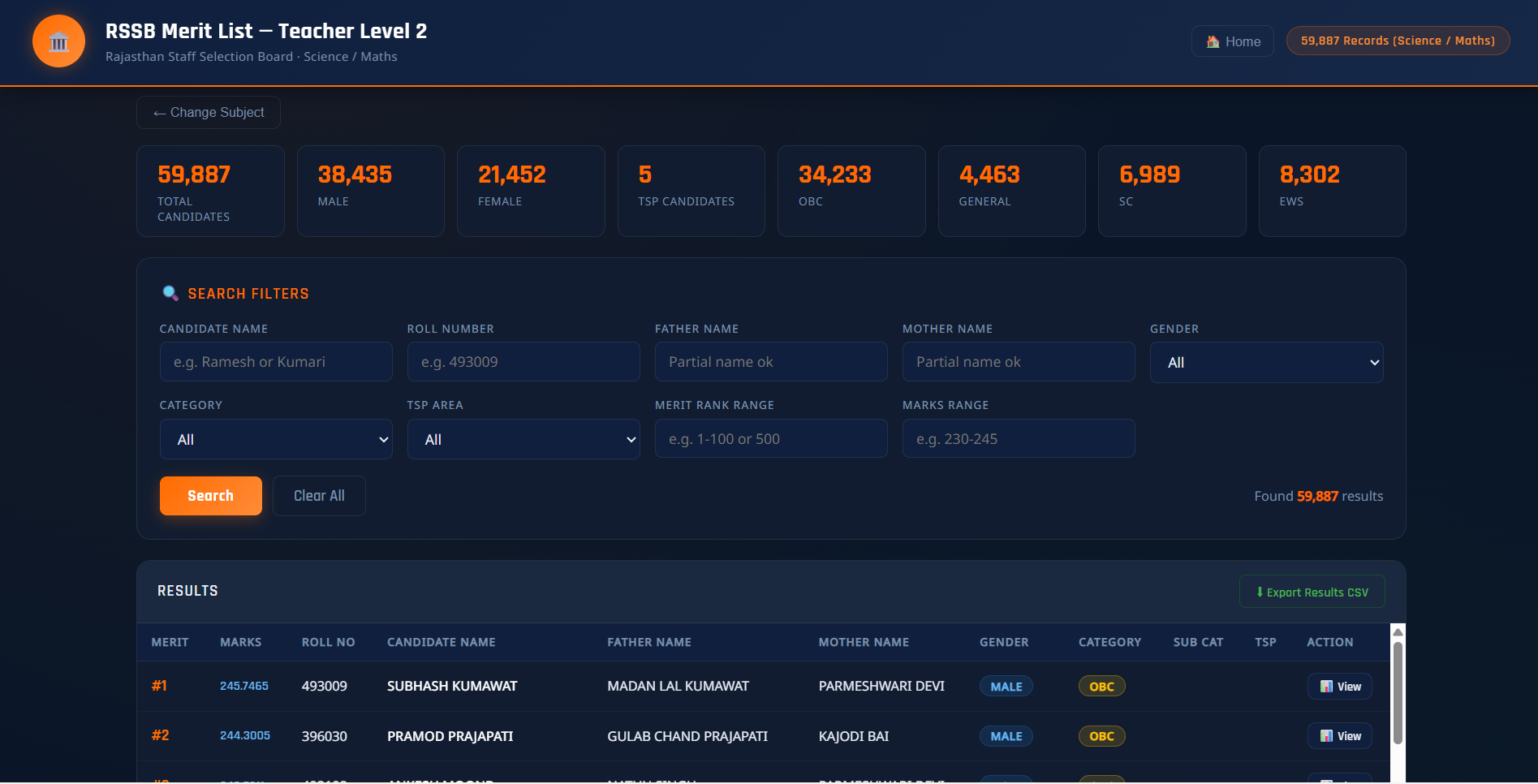
This project turns the RSSB 3rd Grade result PDF into a fast and simple web-based search tool. Instead of opening a huge document and manually searching page by page, users can directly type a name and instantly see matching results in a clean interface. It removes confusion caused by duplicate names and makes result checking much faster and easier.
How It Works
The tool is built using HTML, CSS, and JavaScript as a lightweight static website. Everything runs directly in the browser, so there is no backend, no database, and no login system.
The result data is structured in a way that allows quick filtering using JavaScript. When a user enters a name or keyword, the script instantly searches through the dataset and displays matching results without refreshing the page. This keeps the experience fast and smooth even on mobile devices.
I chose GitHub Pages for hosting because it keeps the project free, simple, and accessible to anyone with a link.
The Ways to Use It
Web Search Interface
Users can directly search for results without downloading any PDF file. The interface is kept minimal so the focus stays on quickly finding the correct result.
Mobile-Friendly Access
The layout automatically adapts to mobile screens so users can easily search results on phones without zooming or scrolling sideways.
Direct Sharing Link
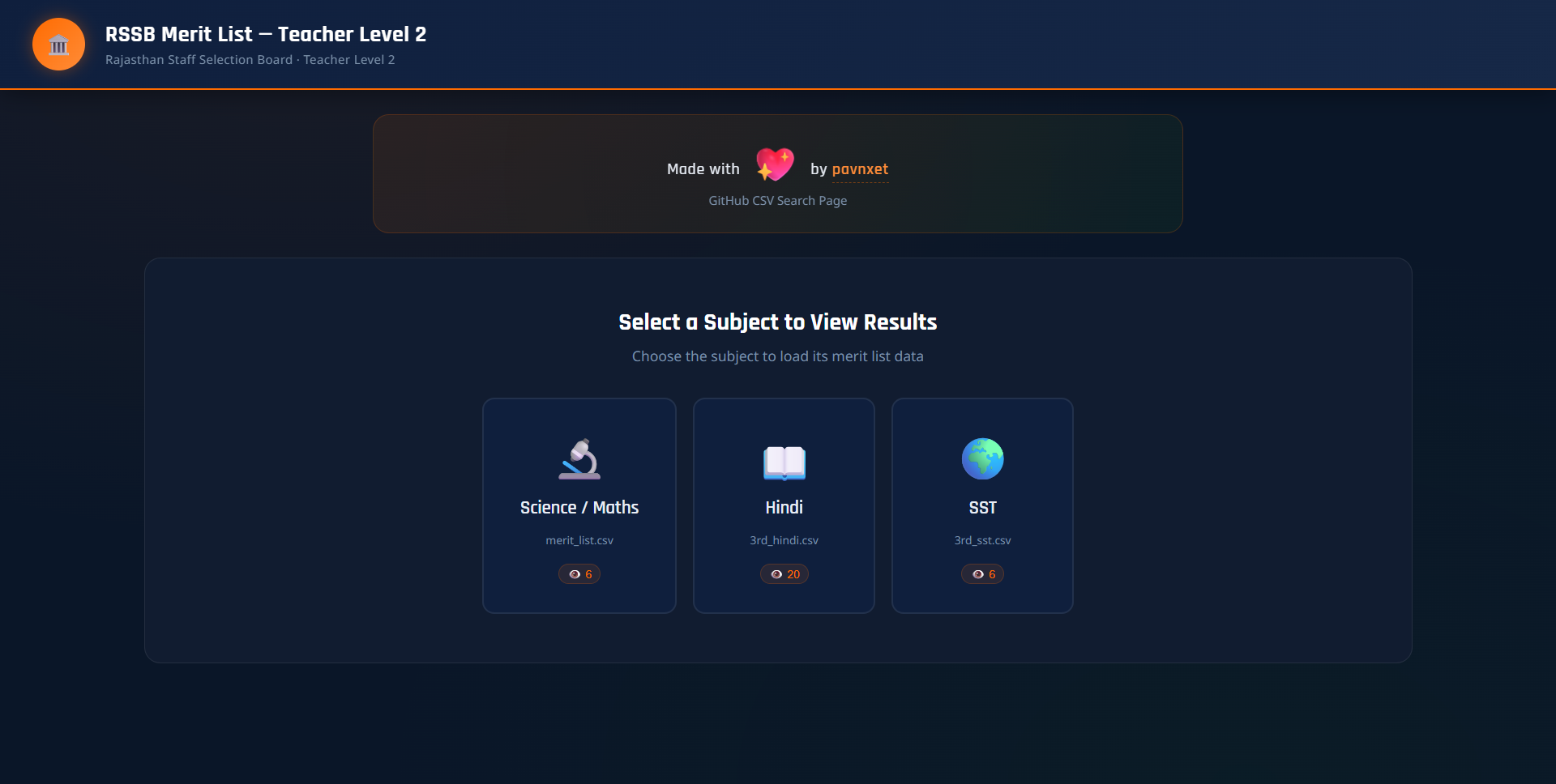
The entire system runs on a single public link, making it easy for students, parents, or teachers to access instantly.
Challenges I Faced
The biggest challenge was working with the original RSSB data format. Since everything was locked inside a huge PDF, it wasn’t structured for web search or filtering. Converting it into a usable format required careful extraction and cleanup.
"Extracting structured tabular data from highly compressed and paginated PDFs is a complex challenge, requiring custom parser workflows to maintain data integrity."
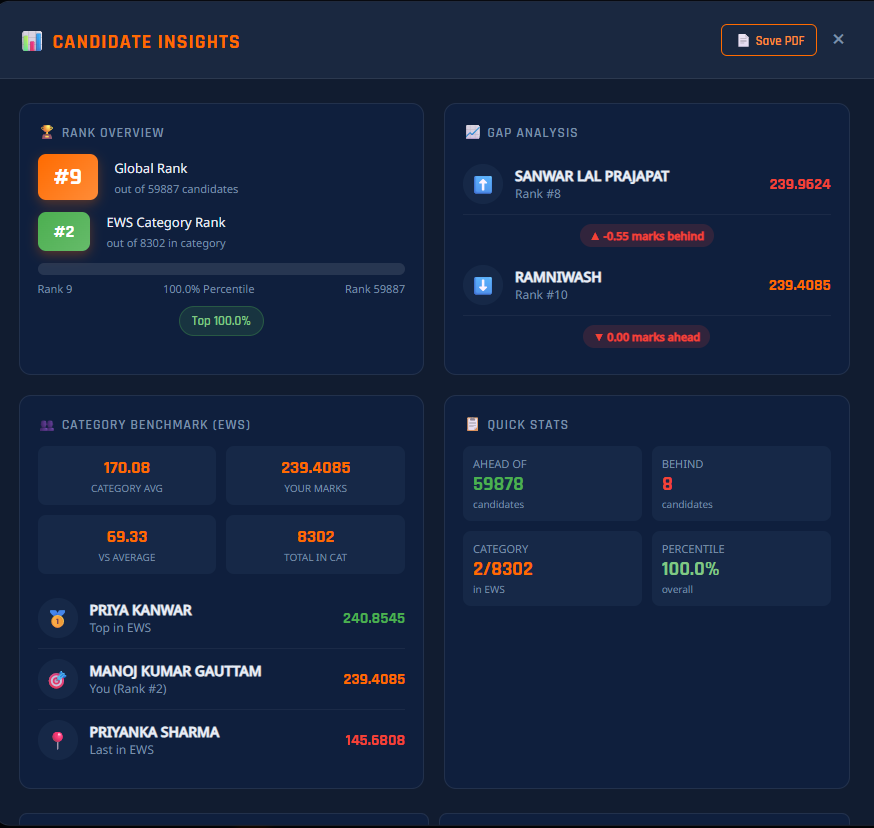
Another issue was duplicate names. Many candidates share the same name, so a simple search is not enough. I had to ensure users could clearly distinguish between similar results using extra details.
Performance was also important because the tool needed to feel instant. I optimized everything to run in the browser so even users with slower internet could get quick results.
Try It Yourself
The project is fully live and open for you to try or self-host. Get started with the links below:
- Live Demo: https://pavnxet.github.io/3rd-grade-result/
- GitHub Repository: https://github.com/pavnxet/3rd-grade-result
What's Next
Next, I want to improve the search system with smarter filtering and better result structuring. I also plan to add features like exporting or sharing individual results easily. Over time, I may expand it into a general exam result search tool for other datasets as well.
Contributions and ideas are always welcome on GitHub.